
React Native UI widgets — QR code, avatar stack, segment progress, swipe deck, reorder list, signature pad, maps and Skia effects — all on iOS, Android and web, behind one public contract per widget.
- Live Storybook: https://wavemaker.github.io/wm-react-native-widgets
npm install @wavemaker/react-native-widgets
npm install react-native-svg react-native-gesture-handler react-native-reanimated
Five widgets come off the package root:
import { QrCode, AvatarStack, SegmentProgress } from '@wavemaker/react-native-widgets';

<QrCode value="https://www.wavemaker.com" size={180} />
<AvatarStack dataset={members} maxVisible={4} />
<SegmentProgress dataset={segments} total={128} />
The other three each pull a peer of their own, so they are reached on their own subpath and never enter a bundle that did not ask for them:
| Widget | Import from | Also install |
|---|---|---|
| SkiaEffect | @wavemaker/react-native-widgets/skiaeffect |
npm install @shopify/react-native-skia |
| SignaturePad | @wavemaker/react-native-widgets/signaturepad |
npm install react-native-webview — native only |
| Maps | @wavemaker/react-native-widgets/maps |
npx expo install react-native-maps expo-location; for web, npm install @vis.gl/react-google-maps |
Metro does not tree-shake, so importing anything from the root pulls in every widget the root re-exports. Keeping these three off it is what makes their peers genuinely optional — install one only if you import the widget that needs it.
Every widget is importable on its own subpath, not just those three:
import { QrCode } from '@wavemaker/react-native-widgets/qrcode';
 QR Code |
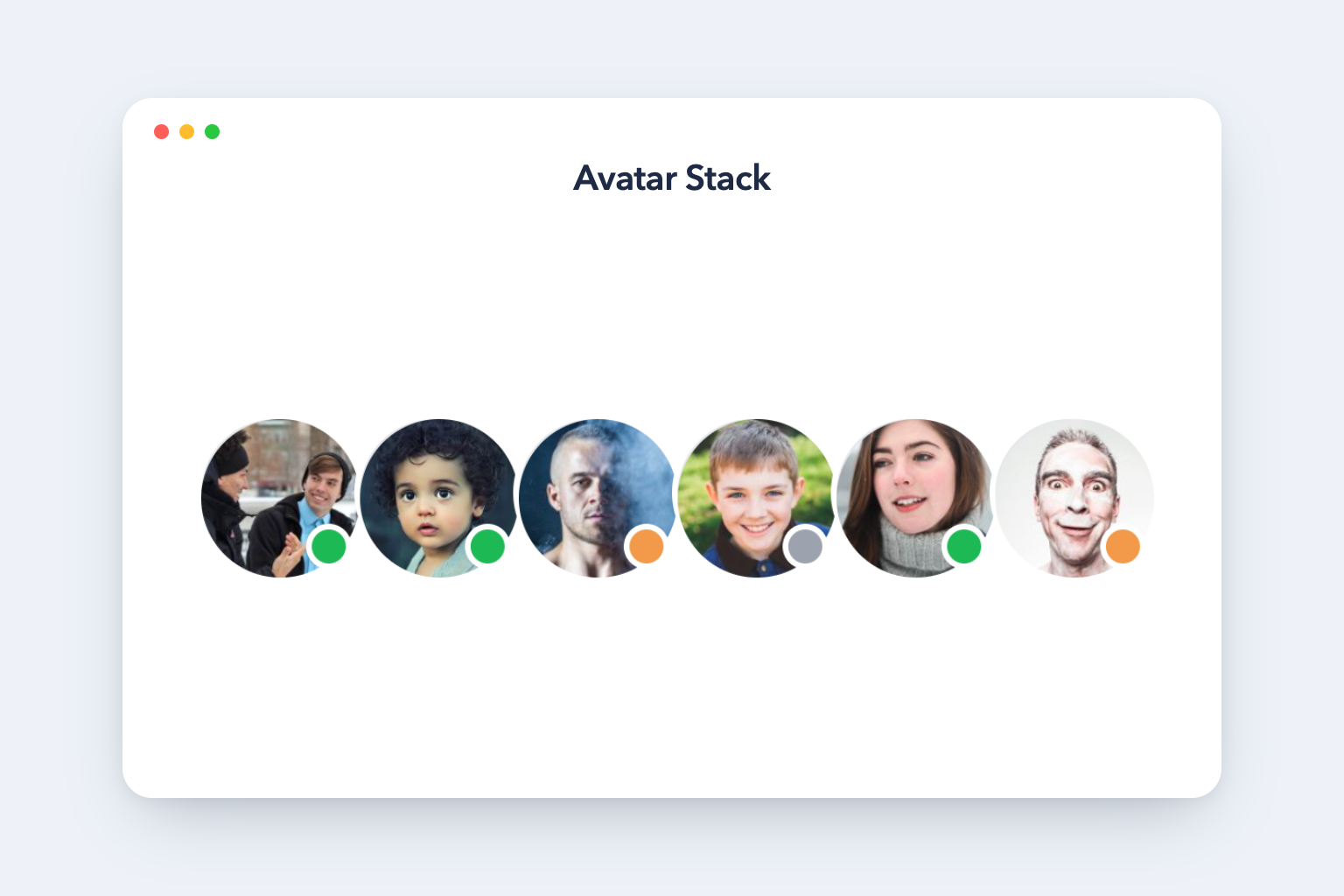 Avatar Stack |
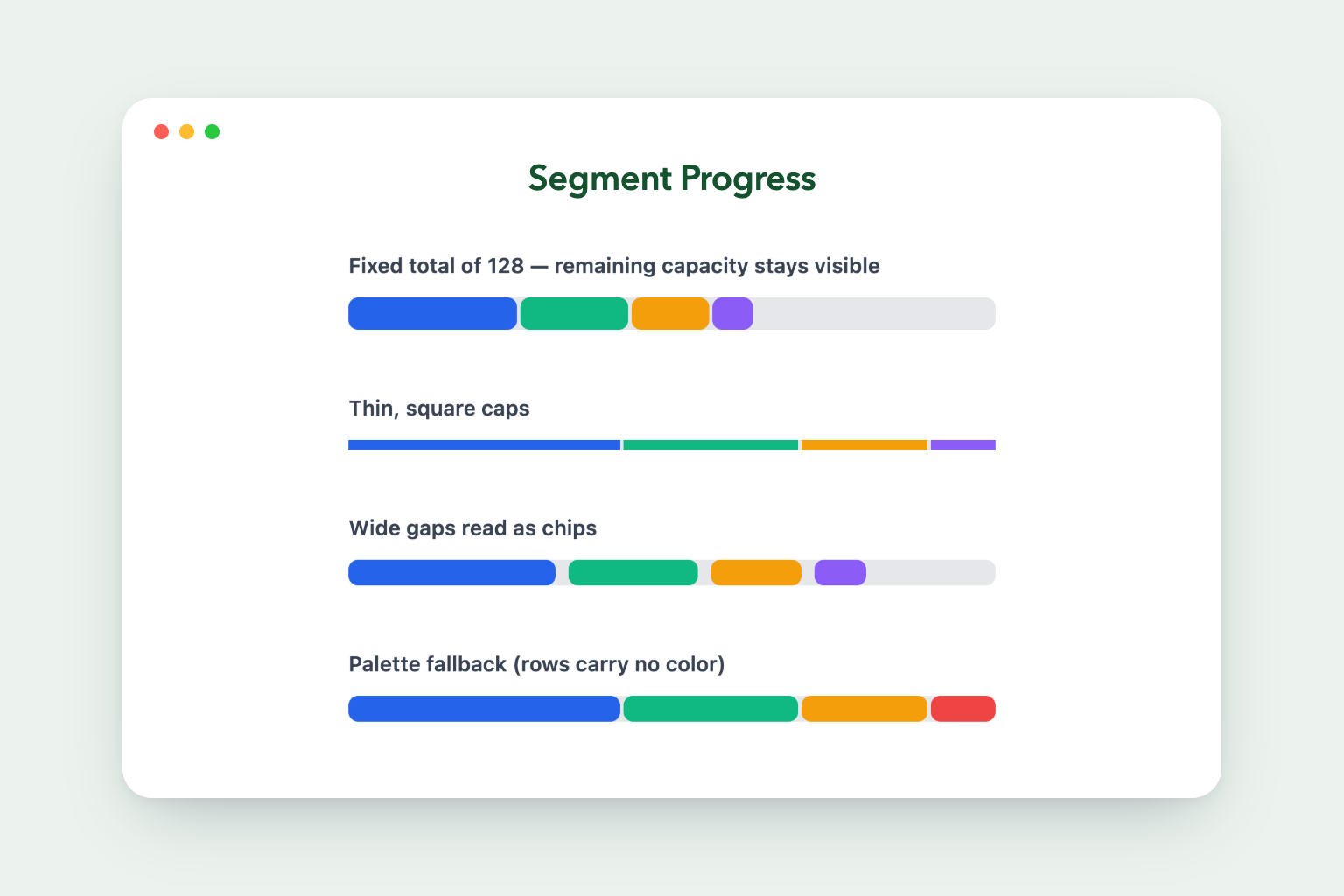 Segment Progress |
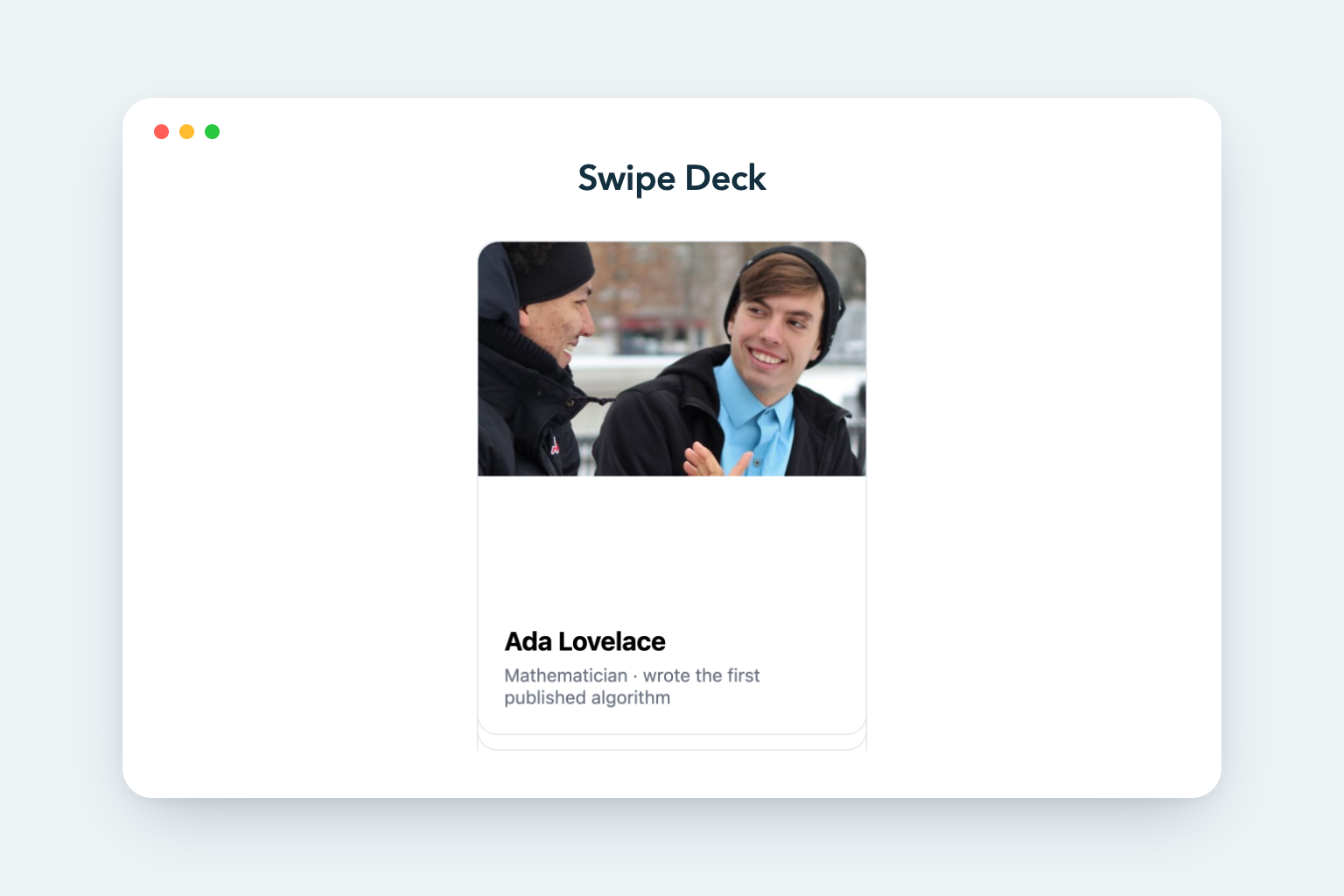 Swipe Deck |
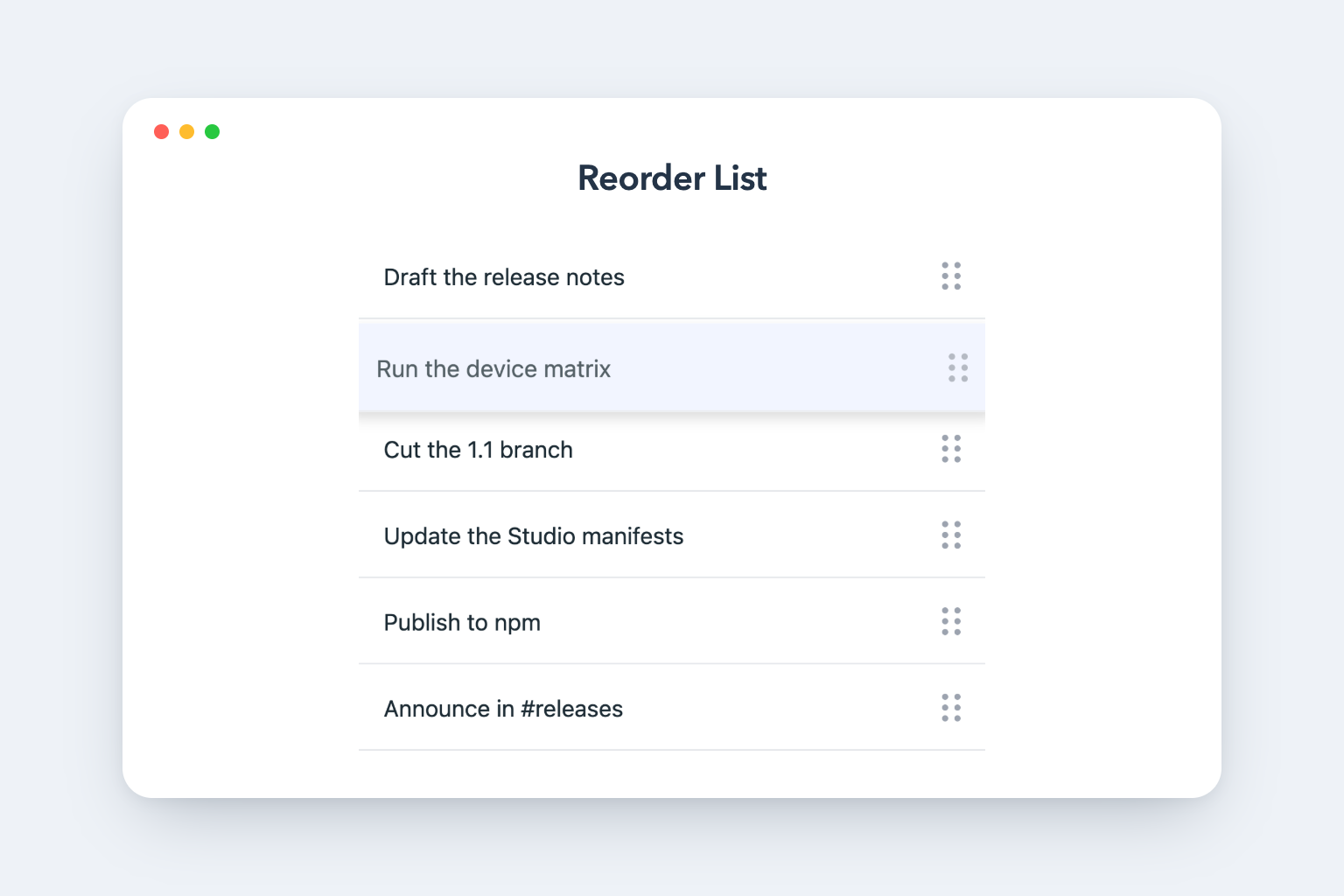 Reorder List |
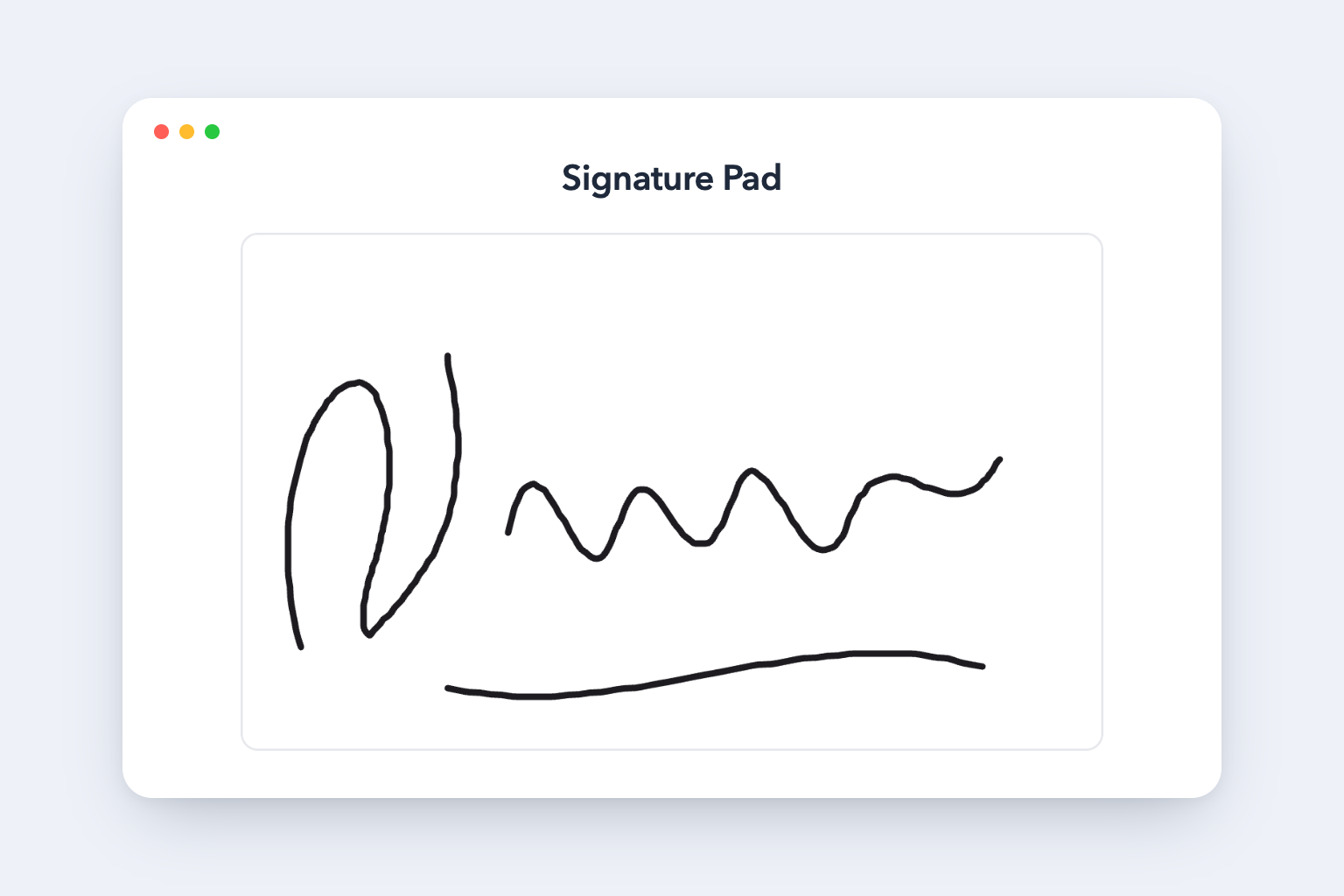 Signature Pad |
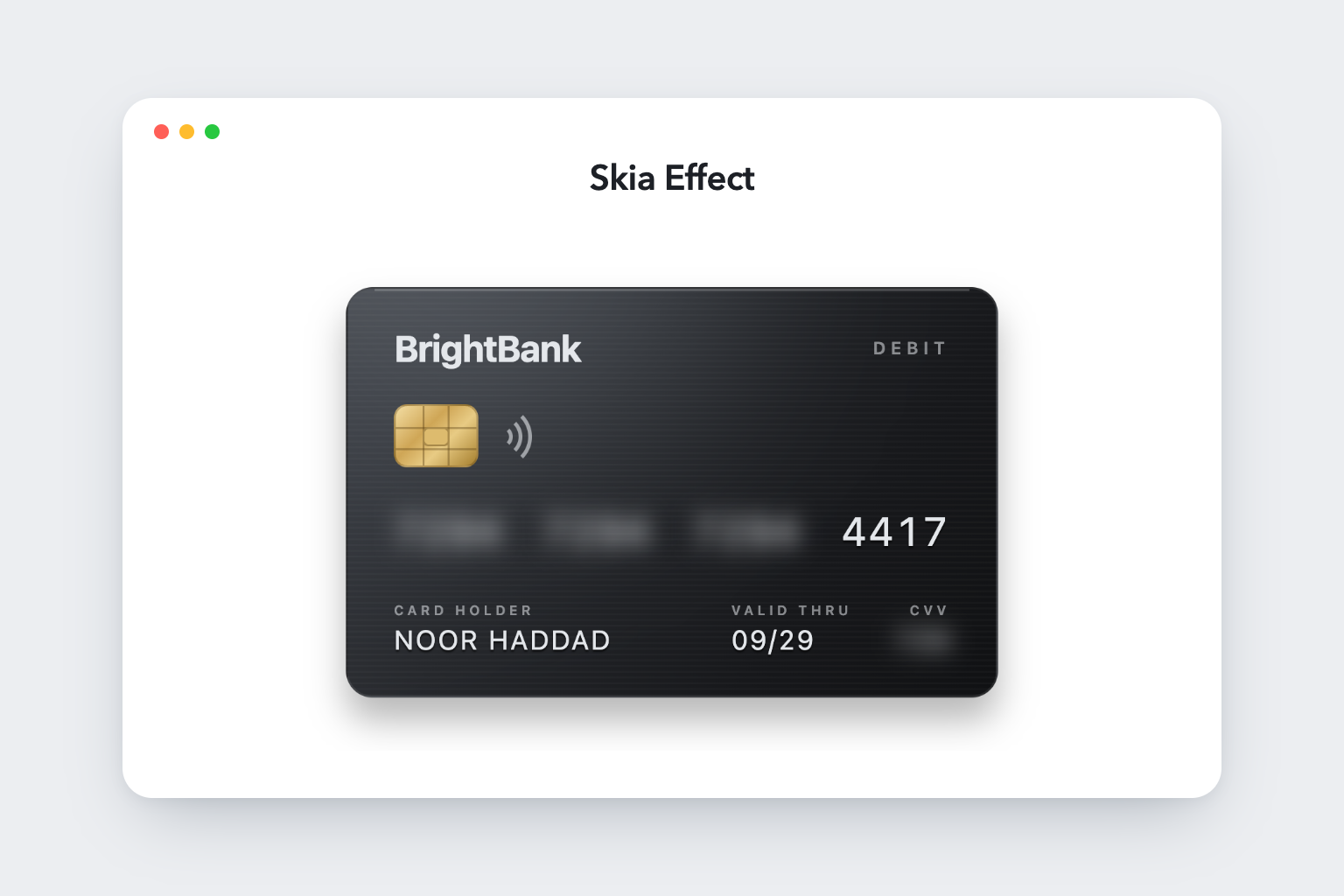 Skia Effect |
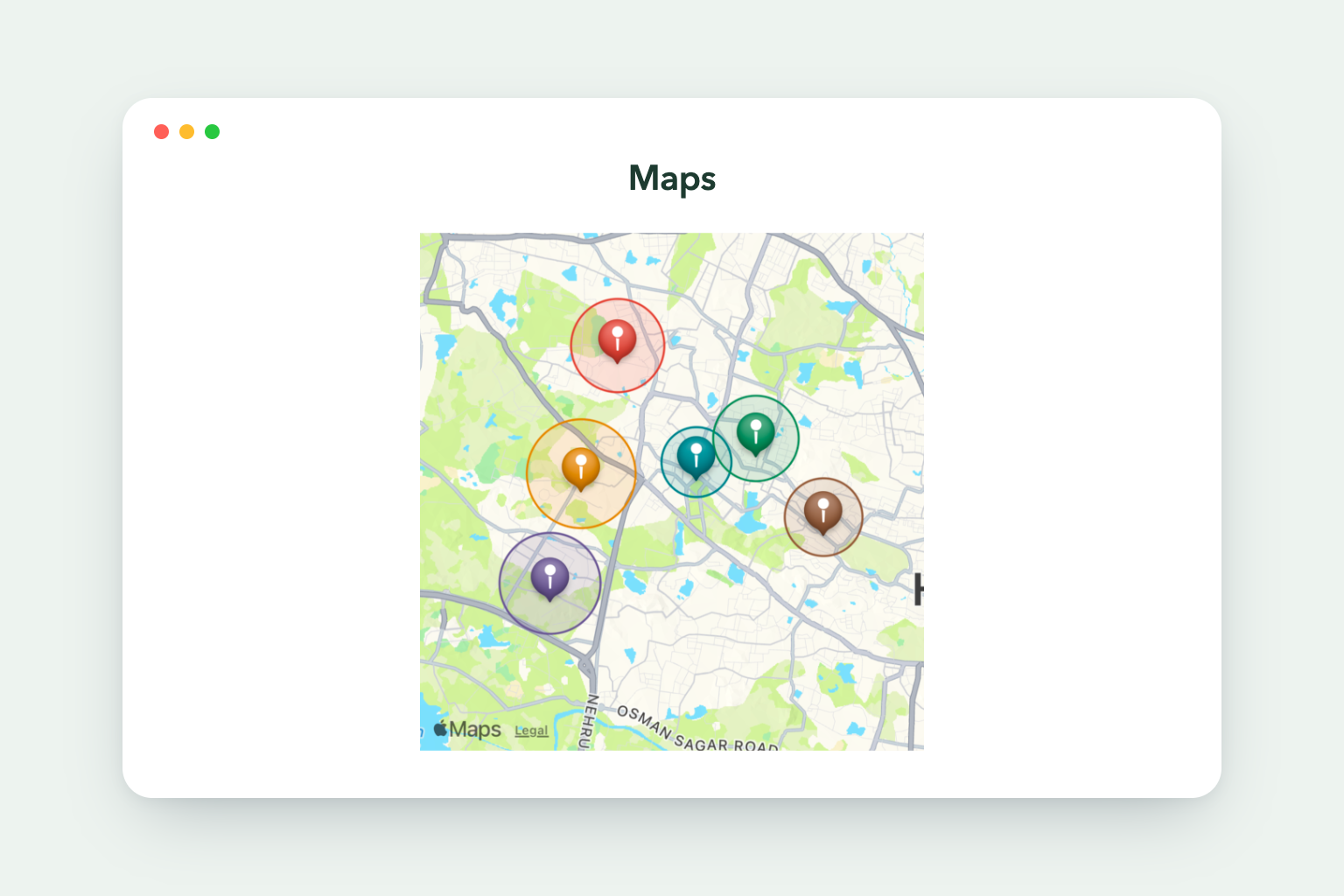 Maps |
| Widget | Description | iOS / Android | Web |
|---|---|---|---|
| QR Code | Vector QR symbol with an optional centered logo | ✅ | ✅ |
| Avatar Stack | Overlapping avatars, presence dots, +N overflow |
✅ | ✅ |
| Segment Progress | Multi-segment bar with per-segment rounded caps | ✅ | ✅ |
| Swipe Deck | Card deck with pan physics and accept/reject gestures | ✅ | ✅ |
| Reorder List | Long-press and drag rows into a new order | ✅ | |
| Signature Pad | Freehand capture exported as a base64 PNG | ✅ | ✅ |
| Skia Effect | Blend modes and blur through a per-pixel canvas | ✅ | ✅ |
| Maps | Google/Apple map with pins, routes and user location | ✅ | ✅ |
Three widgets could not reach web through their native library, so each ships a separate web implementation behind the same public contract — selected by platform file extension, so the native-only dependency never enters the web bundle:
- Signature Pad —
react-native-signature-canvasneeds a WebView, whichreact-native-webhas no equivalent for. The web build captures pointer strokes and rasterizes them, returning the same base64 PNG, so pages never branch on platform. Stroke width is fixed on web and speed-tapered on device. - Skia Effect — Skia on web needs the host app to load the CanvasKit WASM
bundle first. The web build reproduces the composition with CSS
filterandmix-blend-mode, which map one-to-one onto Skia'sBlurandblendMode, and pulls in no WASM. - Maps —
react-native-mapswraps the native Google and Apple SDKs and has no web build. The web build renders Google Maps through the Maps JavaScript API (@vis.gl/react-google-maps), with the same props and event payloads. It needs a web key inwebApiKey; without one the box is reserved and left empty.
react-native-reorderable-list declares no native
modules, so it runs on web and drag works — but upstream tests iOS and Android
only. Treat web drag as best-effort and keep a non-drag path for web users.
Swipe Deck and Reorder List need a GestureHandlerRootView above them, on
web as well as on device.
Full detail: Introduction → Platform Support in the
Storybook, and
spec/02-widgets.md.
Collection-backed widgets take a dataset and normalize it, so an array, a JSON
string, or a WaveMaker Studio variable wrapper ({ dataSet }, { content },
{ data }) all work. An unresolved binding renders the empty state instead of
throwing. *Field props say which column to read, so rows rarely need reshaping.
<AvatarStack dataset={teamVariable} nameField="fullName" imageField="avatar" />Work from the repository root (the directory holding package.json,
components/ and stories/).
npm install
npm run storybook      # http://localhost:6006
npm run lint
npm run typecheck
Storybook runs every widget in the browser through react-native-web.
SwipeDeck and ReorderList sit on react-native-reanimated v4 worklets, so
.storybook/main.ts runs the react-native-worklets Babel plugin over them —
see spec/04-storybook-development.md.
components/<widget>/    # library source — one folder per widget
components/index.ts     # package barrel
stories/<widget>/       # Storybook stories, one folder per widget
wmx/<widget>/           # WaveMaker Studio (WMX) manifests, icons, marketplace images
scripts/                # build, packaging and image-capture scripts
spec/                   # architecture notes for humans and agents
expo-app/               # device demo app consuming the built package via yalc
npm run build:lib      # TypeScript compile → dist/npm-packages/widgets
npm run prepare:npm    # Write package.json, copy README/LICENSE, .npmignore
cd dist/npm-packages/widgets && npm publish
npm run generate:package runs both steps; the version comes from the root
package.json. Pushing to main does the same through
.github/workflows/publish-and-storybook.yml, which also deploys Storybook to
GitHub Pages.
WMX packages for WaveMaker Studio:
npm run generate:wmx # zips → dist/wmx/widgets/Marketplace screenshots under wmx/<widget>/assets/images/ are captured from a
running Expo web build — see the header of scripts/generate-widget-images.js.
Maintained by WaveMaker. Source: wavemaker/wm-react-native-widgets. Use GitHub Issues for bug reports and feature requests.
MIT — see LICENSE.