ProtoFlex is a protocol-level emulator that replicates the behavior of a FlexRadio including Maestro-style interactions over TCP and UDP. It simulates how FlexRadio devices respond to network commands, enabling developers, integrators, and testers to validate control workflows, debug protocol exchanges, and build custom SDR interfaces without requiring physical hardware.
Originally developed to support TeensyMaestro hardware testing in the absence of a FlexRadio, ProtoFlex provides a minimal yet functional simulation of FlexRadio behavior. It mimics expected responses and state transitions, making it ideal for environments with limited hardware access or where automated testing is essential.
Beyond its initial scope, ProtoFlex supports scenarios such as simulating multiple FlexRadios on a network. ProtoFlex also emulates multiple panadapters and receive slices. Each panadapter includes an independent Spectrum Generator that approximates RF signals and noise, offering a realistic backdrop for client-side signal visualization and interaction.
- At this time ProtoFlex only runs on Windows.
- Create a folder on your PC.
- Go to the Releases page and download the following files from the latest release. Store them in the local folder:
- protoflex.bat
- protoflex.exe
- radio_config.json
- Double click on the file
protoflex.batto run ProtoFlex.- The ProtoFlex server will start running in a terminal window. Minimize the window if needed.
- It will log to the console and also to a file.
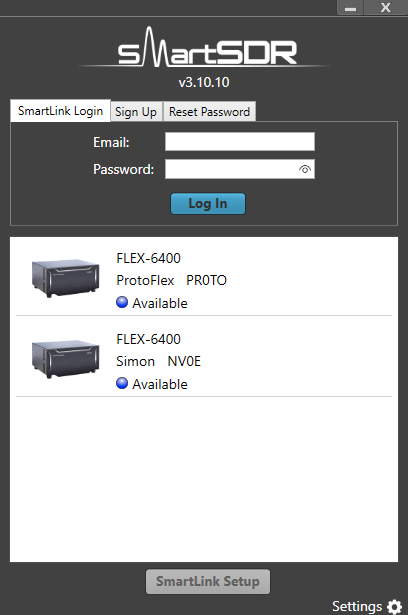
- Start SmartSDR and the Protoflex will be listed. If you have a FlexRadio on the same subnet you will see two choices:
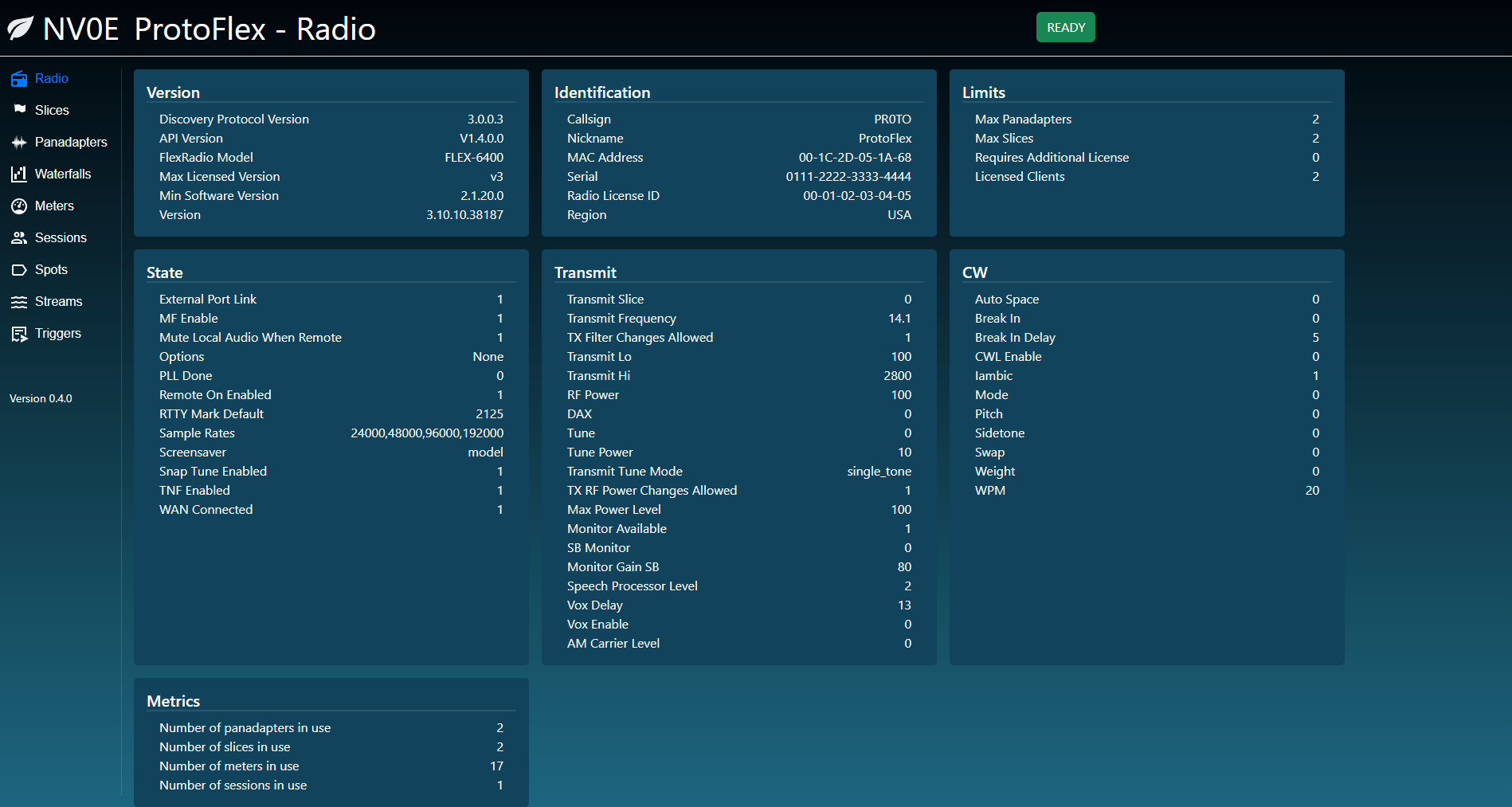
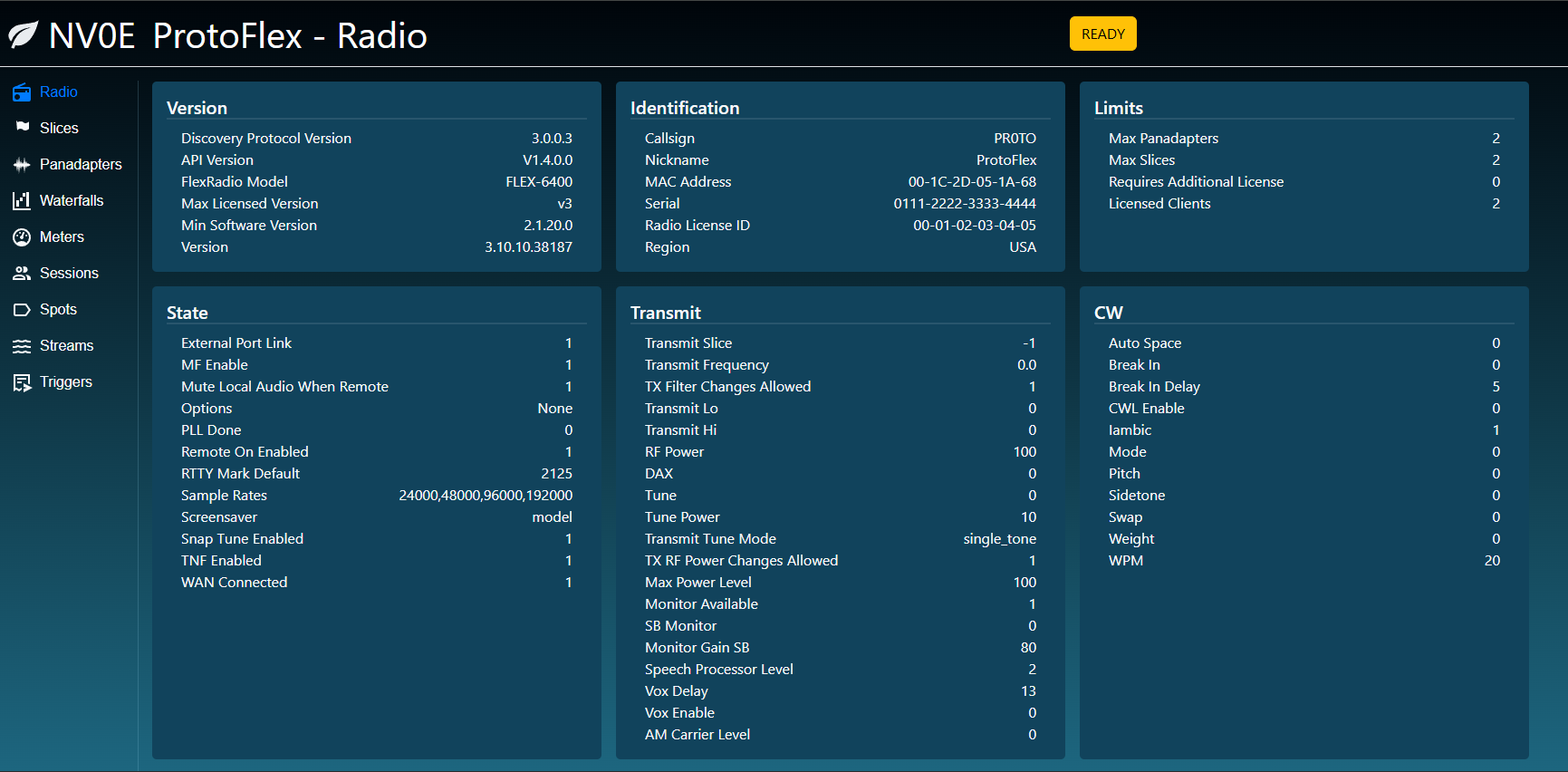
- Using a browser, go to http://localhost:5000 to display the browser interface.
- Close the terminal window.
- If you have started ProtoFlex on a computer, you can access the web app from another device on the network.
- Determine the IP address of the computer running ProtoFlex, say 192.168.1.100
- On the remote device, use a browser to go to http://192.168.1.100:5000
# With console logging only
protoflex.exe --config-file radio_config.json

# With file logging and console logging
protoflex.exe --config-file radio_config.json --log-file protoflex.log

# With file logging and console logging with a custom log level
protoflex.exe --config-file radio_config.json --log-file protoflex.log --log-level INFO

# With file logging and custom log level and no console logging
protoflex.exe --config-file radio_config.json --log-file protoflex.log --log-level INFO --no-console

# Short form
protoflex.exe -c radio_config.json -l protoflex.log- ProtoFlex simulates panadatper, waterfall and meter streams.
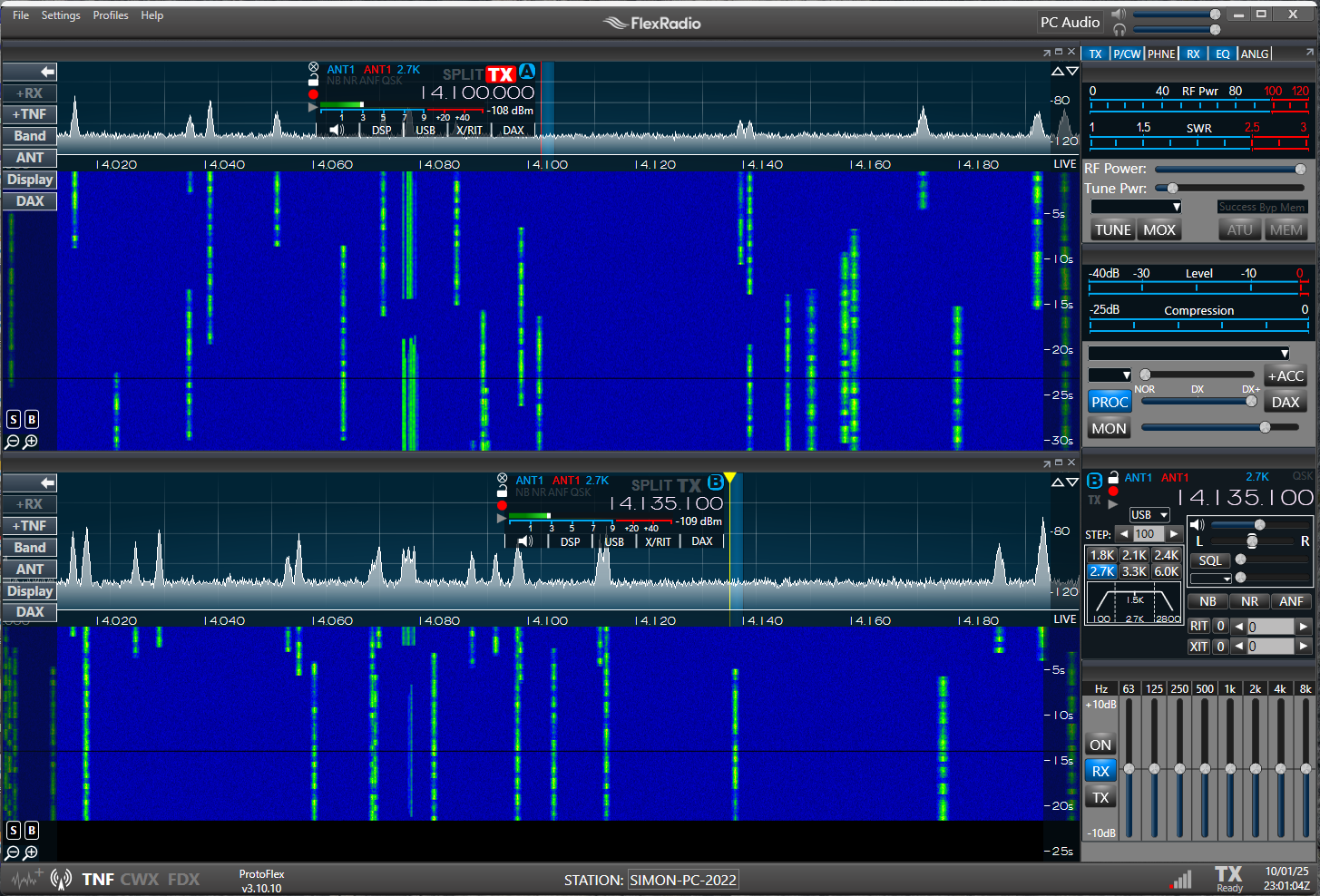
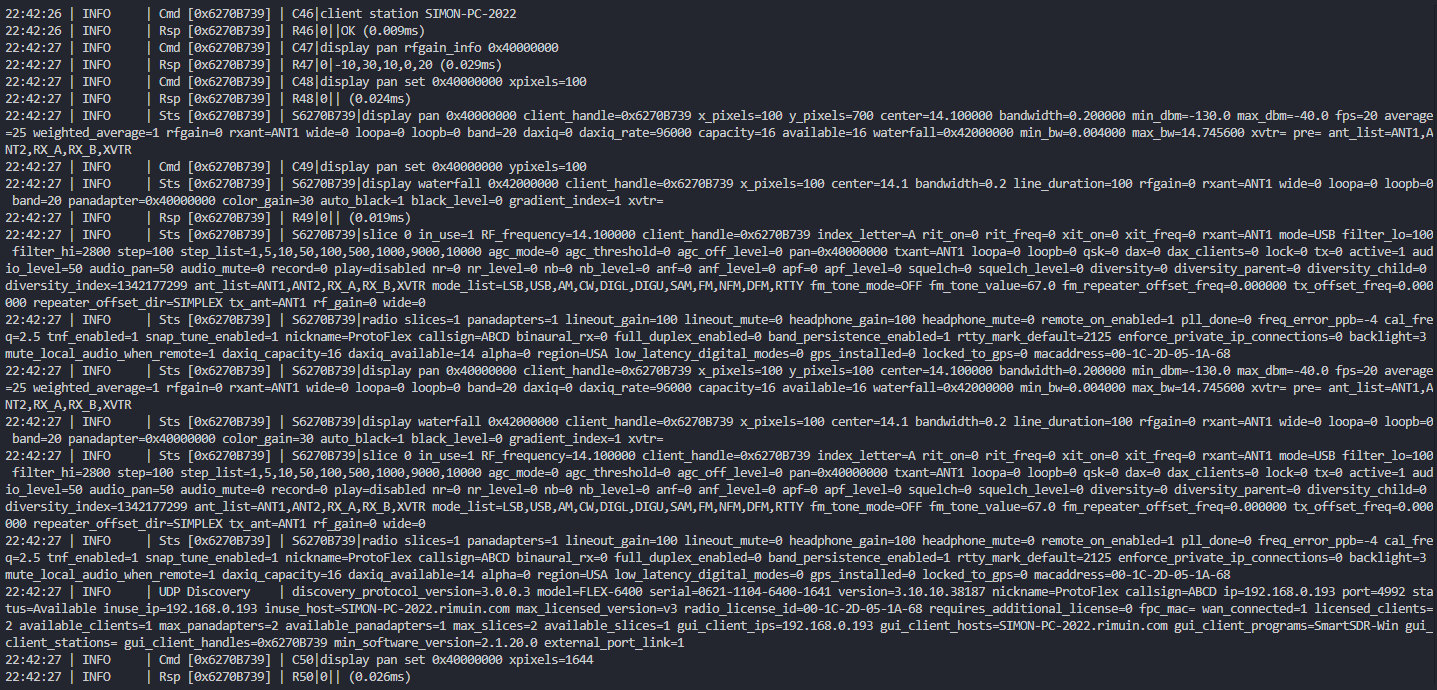
- ProtoFlex logs all the incoming TCP client commands, TCP status responses.
- The UDP Discovery payload is logged when a change to one of the attributes occurs.
- ProtoFlex has a browser interface to show the state of the emulated radio. Some attributes, like meter values, can be changed using this interface.