

A pixel-art Omarchy theme from Squatchware: night forest, parchment text and campfire gold. The squatch comes along to the lock screen, the boot screens and the screensaver. The daylight version is Squatchware Light.
| Squatchware | Squatchware Light | |
|---|---|---|
| Desktop |  |
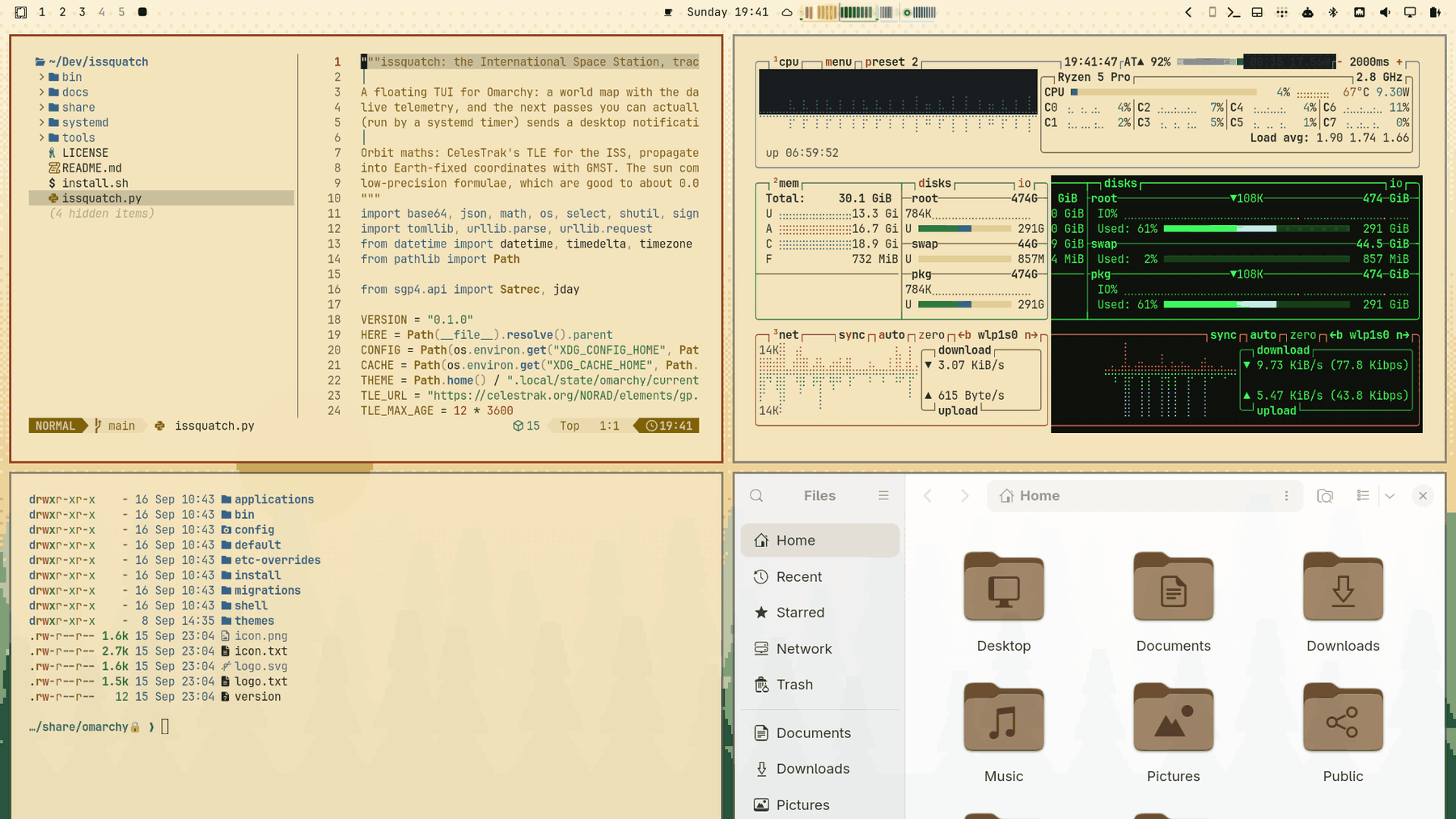 |
| Lock / boot |  |
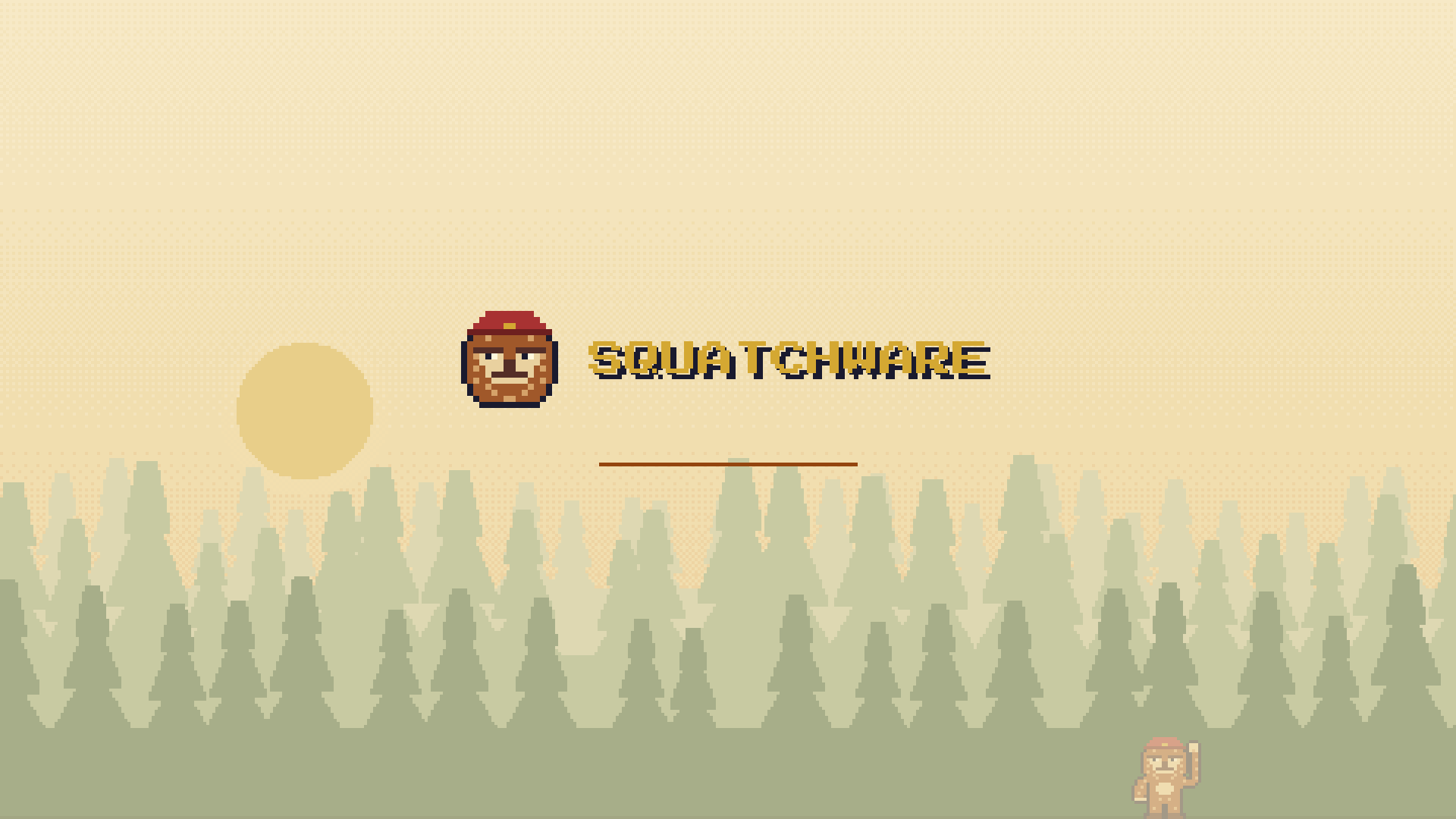 |
omarchy theme install https://github.com/squatchware/omarchy-squatchware-theme
omarchy theme install https://github.com/squatchware/omarchy-squatchware-light-theme   # optional
Then the extras, which work for both variants:
~/.config/omarchy/themes/squatchware/extras/install-extras.sh          # screensaver hook
~/.config/omarchy/themes/squatchware/extras/install-extras.sh --boot # + boot splash and boot menu (sudo)- Colours for everything Omarchy themes (terminals, Hyprland, the shell, btop, editors…),
generated by Omarchy from
colors.toml. Every text colour clears 4.5:1 on its background. - Wallpapers: pixel-art scenes drawn at 480×300 and scaled ×8 with no smoothing.
01-sightinghas the squatch at the edge of the trees;02-treelinelooks empty (it isn't: watch for eyes). - Lock screen: squatch head and SQUATCHWARE wordmark (
unlock.png). - Boot splash (Plymouth): the same logo on the theme's colours, including the disk-unlock prompt.
- Boot menu (Limine): SQUATCHWARE branding, the palette, and the night forest as the wallpaper.
- Screensaver: the squatch head and wordmark in block characters, animated by Omarchy's
ttfx. The hook swaps it in whenever a Squatchware theme is set and puts your previous art back when you switch to anything else.
Plymouth only follows the theme when you run omarchy plymouth set by theme squatchware (or
squatchware-light), so re-run it after switching between dark and light. The Limine menu is
always the night version. omarchy refresh limine resets /boot/limine.conf, so run
extras/install-bootloader.sh again after one; extras/install-bootloader.sh --restore undoes it.
Both repos are generated by python3 src/build.py: palettes live in src/palettes.py and scenes
in src/scene.py. It writes the dark theme into this repo's root and the light theme into a
sibling checkout of omarchy-squatchware-light-theme. The squatch sprites and pixel font come from
the Squatchware brand kit, which isn't public (point SQUATCHWARE_BRAND at a copy). Everything is
built and committed, so installing needs none of this. python3 src/build.py --check runs the
contrast check on its own.
Press Start 2P is by CodeMan38, SIL Open Font License.